Account Summary: The Consolidated Multi-Entity Balance Dashboard
CorporateConnect account summary is the single dashboard every treasurer lands on at 7:00am CT. Available balance, ledger balance, one-day float, pending wires, pending ACH, collected funds and yesterday’s close — rolled up across every entity, checking, money market and loan account under your relationship, priced to the penny in reporting currency.
This is not a balance-inquiry screen. It is an intraday decision tool: fund the payroll account, sweep idle cash to money market, authorize a wire, reconcile yesterday’s ACH return — all from one view backed by real-time Federal Reserve confirmations and FFIEC-aligned authentication.
Log In Book a Demo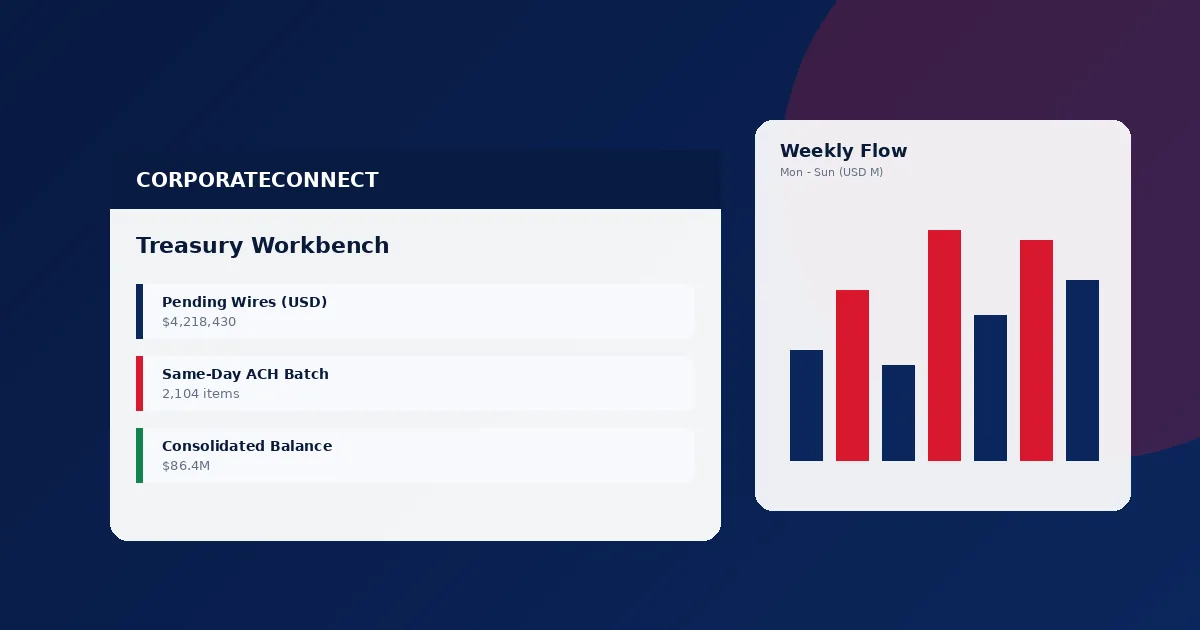
Reporting Snapshot
- Dashboard scope: unlimited DDA, MMA and loan accounts per relationship.
- Balance types: available, ledger, collected, one-day float, two-day float.
- Refresh: 60 seconds intraday; 90 seconds post-Fedwire confirmation.
- Entity roll-up: parent → subsidiary with one-click drill-down.
- Currency: native plus USD reporting translation at 4pm ET spot.
- Prior-day BAI2: available by 6:00am CT every business day.
What the Account Summary Actually Shows
Zero-click snippet: the CorporateConnect account summary is a real-time consolidated balance dashboard that displays available, ledger, collected and float positions across every entity and account in your relationship, refreshing every 60 seconds during business hours.
Available vs Ledger vs Collected
Zero-click snippet: available balance equals ledger balance minus holds and uncollected funds; it is the spendable amount. Ledger is the posted accounting balance. Collected is the portion that has cleared the Federal Reserve.
Every row on the account summary displays available, ledger and collected side by side. Treasury leaders use available for same-day wire and ACH authorization decisions, ledger for prior-day reconciliation, and collected when the treasurer wants to confirm cleared funds before issuing a large disbursement. The platform flags any account where the spread between ledger and available exceeds a configurable threshold — the classic early signal that an unexpected return or hold has hit.
Multi-Entity Roll-Up
Zero-click snippet: multi-entity roll-up aggregates balances from unlimited legal entities into a single parent dashboard with permission-scoped drill-down per subsidiary.
Configure the hierarchy once. Users mapped to the parent entity see the consolidated position; users mapped to a subsidiary see only that subsidiary. The Federal Reserve payment data feeds into each entity’s position in real time. For holding-company treasurers managing 4–40 subsidiaries, this eliminates the morning spreadsheet roll that used to consume two staff hours before the first wire was even initiated.
Real-Time vs Prior-Day
Zero-click snippet: real-time view refreshes every 60 seconds; prior-day BAI2 is finalized and available by 6:00am CT the next business day.
Treasury workflows split cleanly. Intraday decisions run off the real-time view — authorizing wires, triggering same-day ACH, moving sweep funds. Reconciliation, audit and controller workflows run off the prior-day BAI2 file that posts before 6:00am CT. Both views share the same underlying ledger, so there is never a reconciliation break between what the treasurer saw at 2pm and what the controller imports at 7am.
Dashboard Data Latencies by Data Source
Zero-click snippet: intraday balance fields refresh between 60 and 120 seconds; prior-day BAI2 is published by 6am CT; ISO 20022 camt.052 intraday statements post hourly.
| Data Field | Source | Refresh Cadence | Latency Target |
|---|---|---|---|
| Available balance | Core DDA ledger | 60 sec | < 90 sec |
| Ledger balance | Core DDA ledger | Event-driven | < 30 sec |
| Pending wires (outbound) | Fedwire & SWIFT queue | Event-driven | < 15 sec |
| Posted wires (inbound) | Fedwire confirmation | On confirmation | < 90 sec |
| ACH pending | NACHA batch queue | Per window | Instant |
| ACH posted | Settlement feed | Post-window | < 2 min |
| MMA yield accrual | MMA platform | Overnight | By 5am CT |
| Loan principal balance | Commercial loan system | Overnight | By 6am CT |
| Prior-day BAI2 | Reporting warehouse | Overnight | By 6am CT |
| ISO 20022 camt.052 intraday | Reporting warehouse | Hourly | Top of hour |
| FX translation rate | FX engine | 4pm ET daily | Same day |
Who Uses the Account Summary — and When
Zero-click snippet: treasurers, controllers, AP managers and external auditors each consume the account summary through different lenses and at different cadences.
Treasurer — 7:00am CT Daily
Opens the consolidated view, confirms overnight sweep executed, scans pending wires and ACH returns, green-lights the day’s large-value disbursement schedule. If the available-to-ledger spread is wider than the 10-day average on any entity, the platform flags it before the treasurer has to look.
Controller — Reconciliation Window
Pulls yesterday’s BAI2 into the ERP, ties out every posted line, flags the exceptions, and escalates anything older than 48 hours. Transaction reporting and data export feed the reconciliation engine.
AP Manager — Pre-Authorization
Before releasing a large batch of vendor payments, confirms the AP operating account has sufficient available balance, applies sweep from the concentration account if not, and re-checks 90 seconds later to confirm funds landed.
External Auditor — Quarterly
Reads-only account summary export with immutable timestamps. Controls tested against OCC-aligned bank confirmation procedures. Every access written to the audit log.
Frequently Asked Questions
What does the CorporateConnect account summary show?
How often does the dashboard refresh?
Can we see balances across multiple entities on one screen?
What is the difference between available and ledger balance?
Related Reporting & Tools
Zero-click snippet: the account summary is the entry point; transaction reporting, custom reports, data export and user management form the full reporting stack.
Transaction Reporting
60-field filterable commercial transaction feed across prior-day and current-day windows with scheduled delivery.
Custom Reports
Drag-and-drop commercial report builder with saved layouts, pivot, filter and scheduled BAI2 or ISO 20022 delivery.
Data Export
Native BAI2, CSV and ISO 20022 output into QuickBooks, SAP S/4HANA, Oracle Fusion, NetSuite and Workday.
User Management
Role-based access with entity scoping, dollar limits and up to four-tier approval workflows with full audit log.
Put Every Balance on One Dashboard
A CorporateConnect advisor will map your entity hierarchy, configure the roll-up, and walk your treasury team through the dashboard in a 45-minute onboarding session. Reviewed by Jonathan R. Hayes, VP Commercial Treasury Solutions, CTP.
Contact a Relationship Manager